Premium Mounting & Site Planning
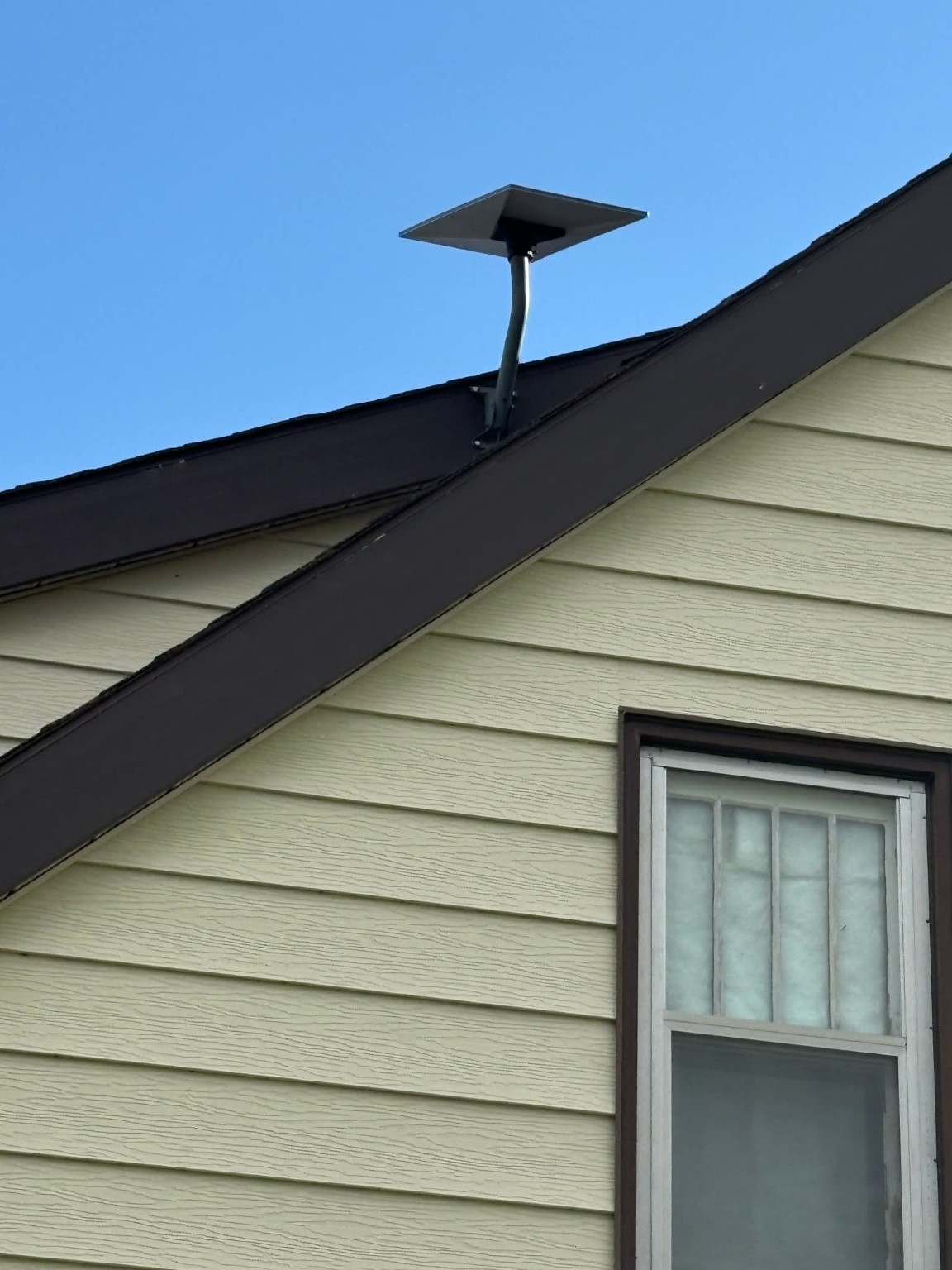
We select a secure, serviceable mounting position with practical sky exposure and a cable route planned around the property.
A Ready Tech Starlink installation goes well beyond mounting the dish. Starting at $2,500 CAD, a typical six-hour build includes protected cable pathways instead of exposed exterior runs, Ethernet grounding / surge protection where outdoor copper enters the building, hidden structured cabling, a finished network location, Wi-Fi coverage, commissioning and room for future expansion.
Protected cable paths, hidden structured wiring, rack-ready networking, Wi-Fi coverage and commissioning are part of the install—not afterthoughts.
We select a secure, serviceable mounting position with practical sky exposure and a cable route planned around the property.
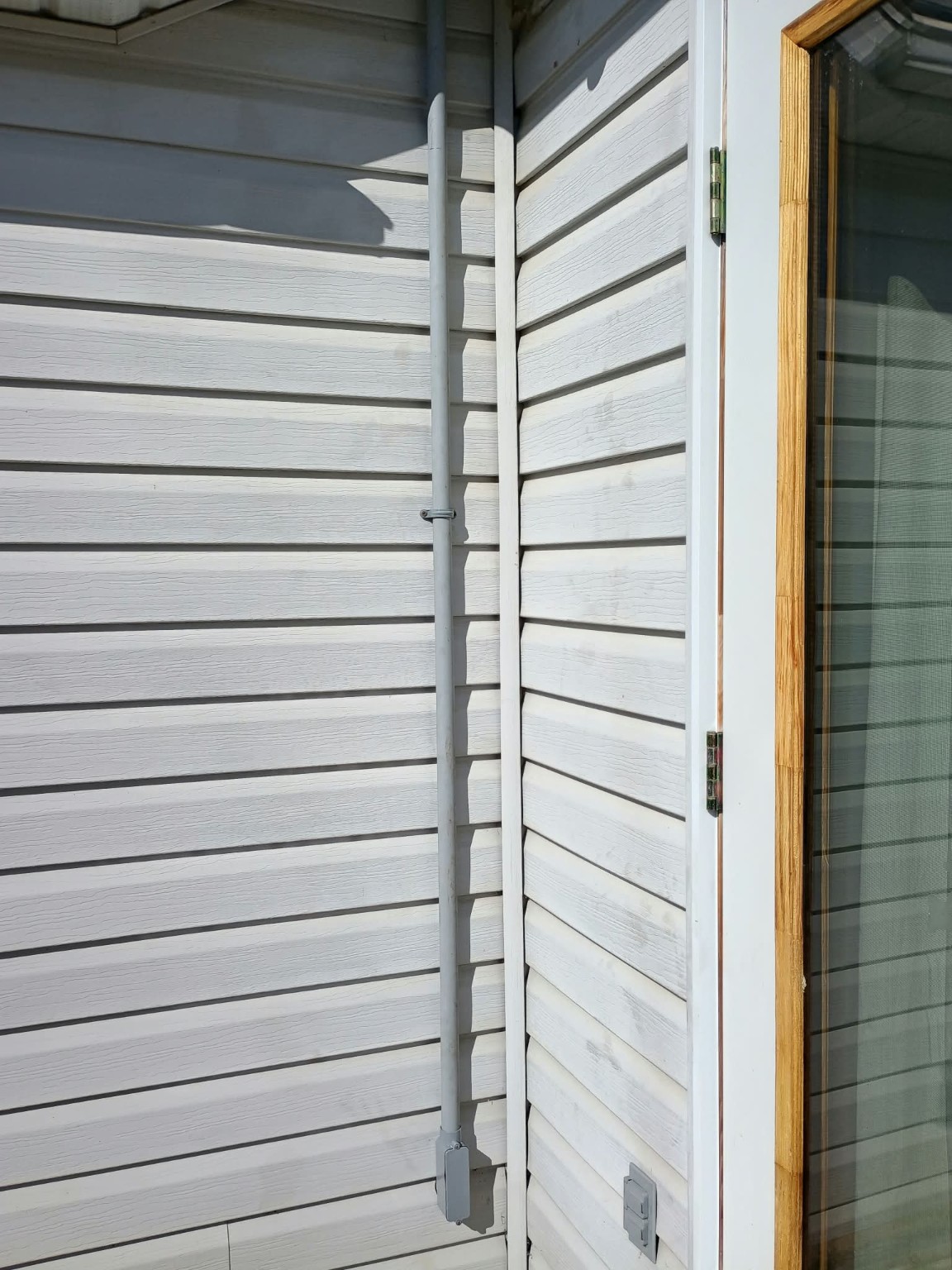
Exterior cable runs are protected in rigid Schedule 40 conduit for a cleaner finish and better long-term protection.
Leaving critical exterior cabling exposed subjects jackets, connectors and attachment points to UV, moisture, freeze/thaw cycles, wind movement, abrasion, animals and accidental physical damage. Protected pathways help preserve long-term reliability.
Where outdoor copper Ethernet enters the building, properly selected grounding / surge-protection boxes can be bonded to the building grounding system to help divert static and induced surge energy away from switches, routers and other network electronics.
Where construction and access allow, cabling is routed through attic spaces and wall cavities instead of across finished surfaces.
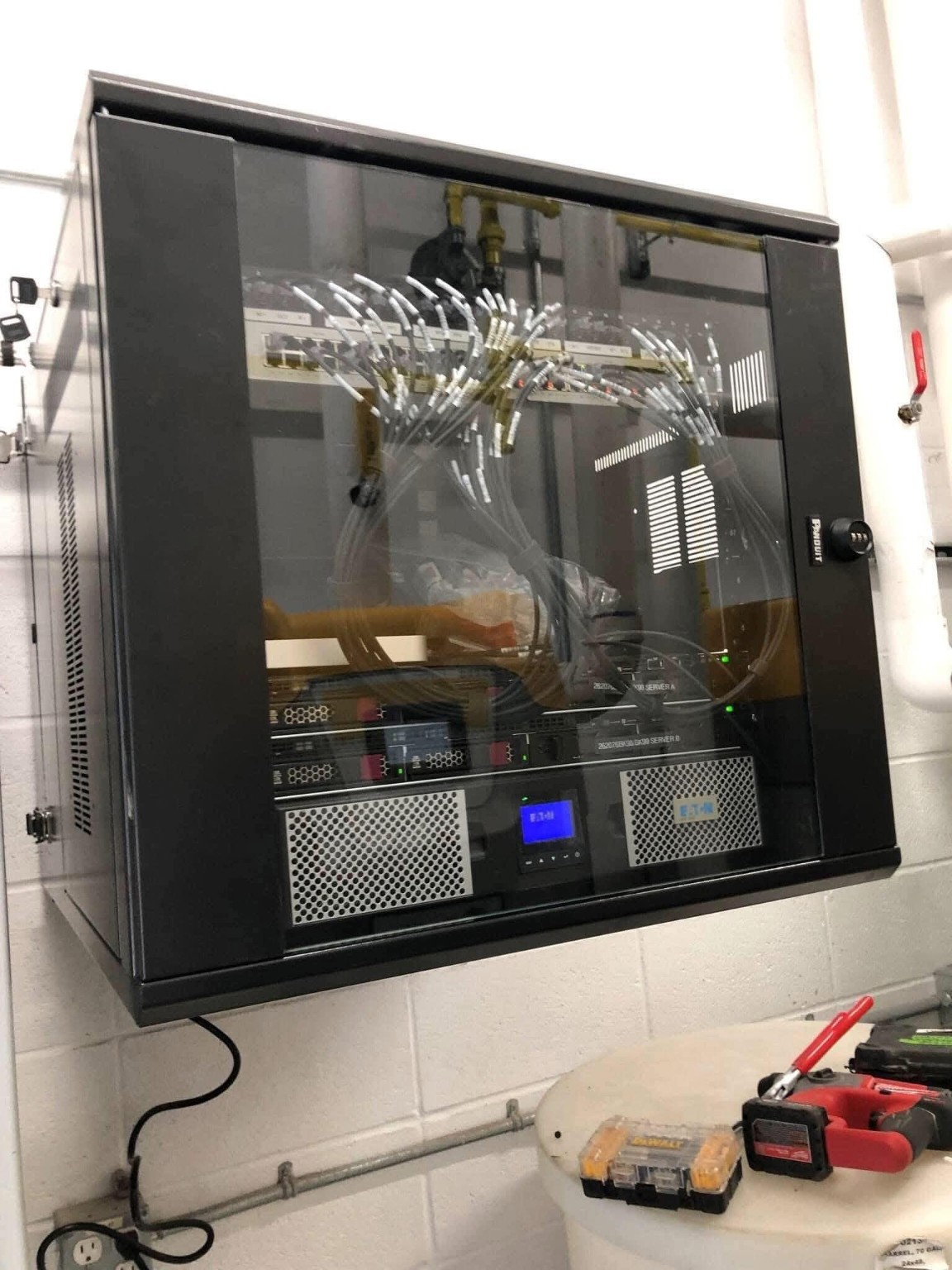
Network equipment is organized at a proper service point with professional data termination instead of loose equipment and patch cords.
Indoor Wi-Fi 7 access points and planned outdoor access points improve coverage, roaming and useful connectivity around the property.
If the home already has Ethernet wall jacks, we identify and test usable runs and make sure those ports work with the finished network.
We verify key phones, televisions, computers, smart-home equipment and other customer devices connect properly before handoff.
One structured entry point and additional cable where practical make future cameras, access points and network upgrades easier to add later.
A dedicated UPS protects the Starlink and network equipment so short utility outages do not immediately take the internet, switching and Wi-Fi offline. Runtime depends on UPS capacity and connected load.
Installation planning includes fall-arrest requirements, ladder safety, access planning and site-specific hazard controls for work at height and around the building envelope.
Ready Tech operates with applicable workers’ compensation / WCB coverage and carries its own construction liability and cyber liability insurance for the work we perform.
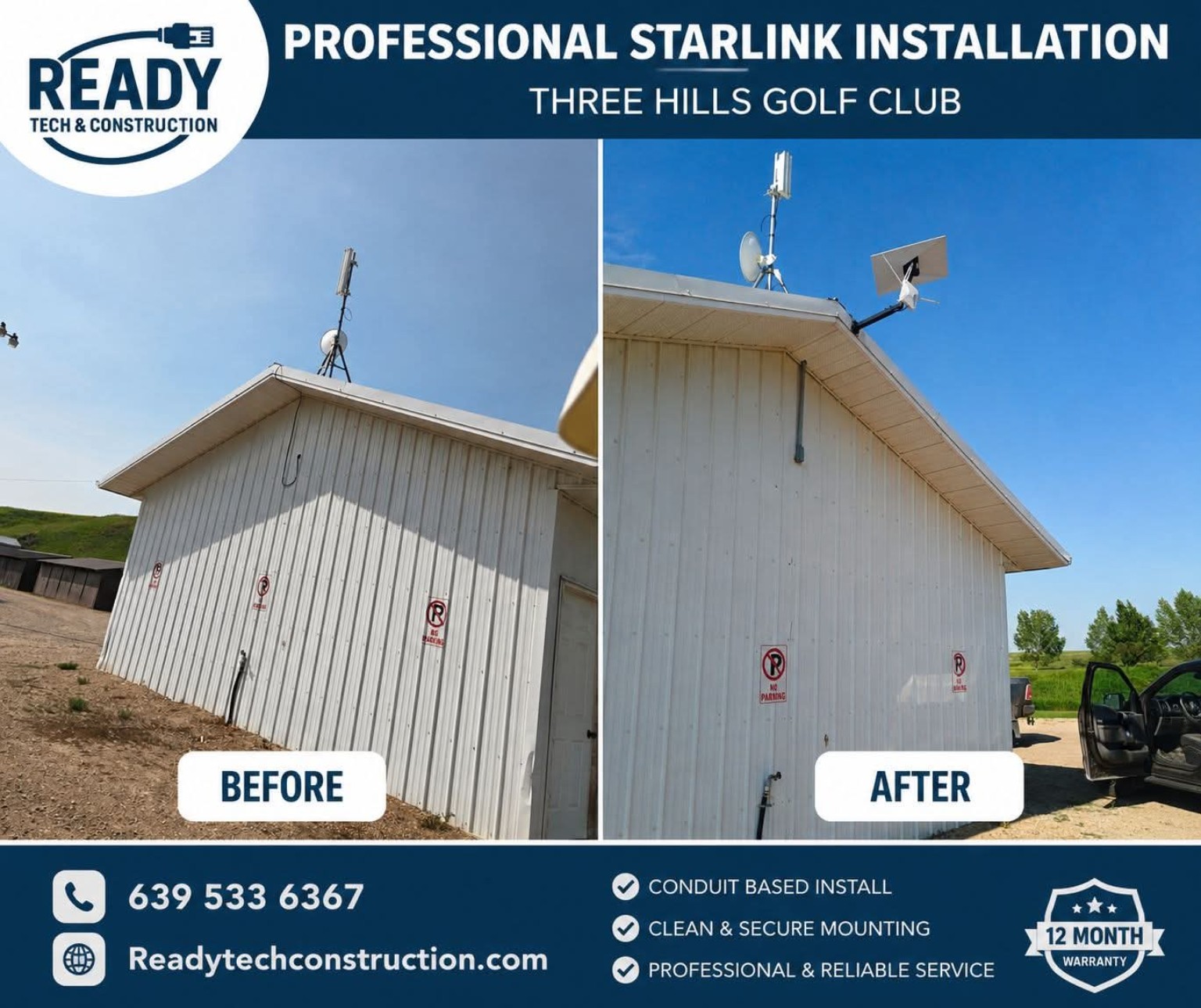
These are real Ready Tech project photos showing structured cabling, protected conduit, network-rack work, Wi-Fi access points and professional Starlink mounting.
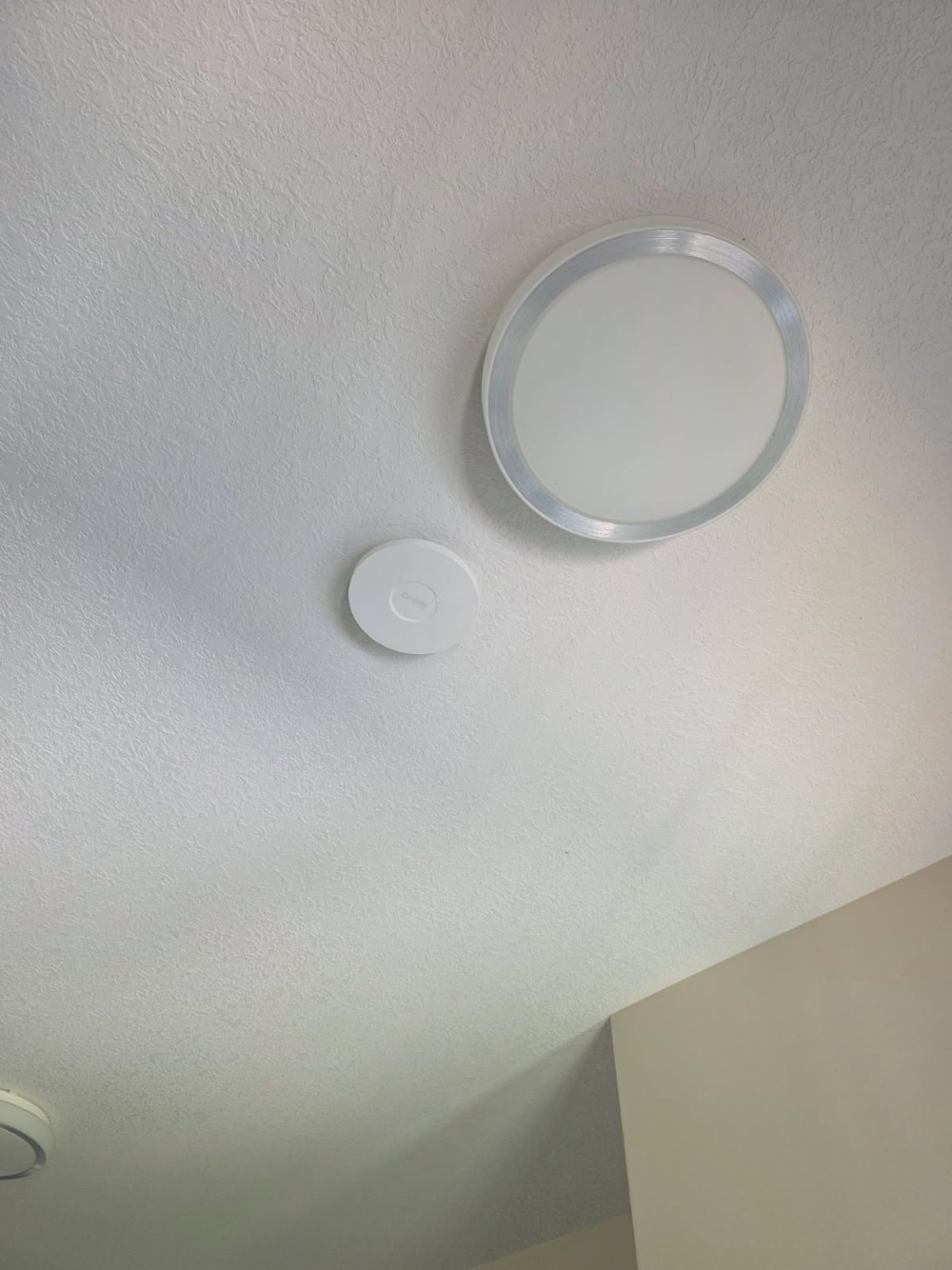
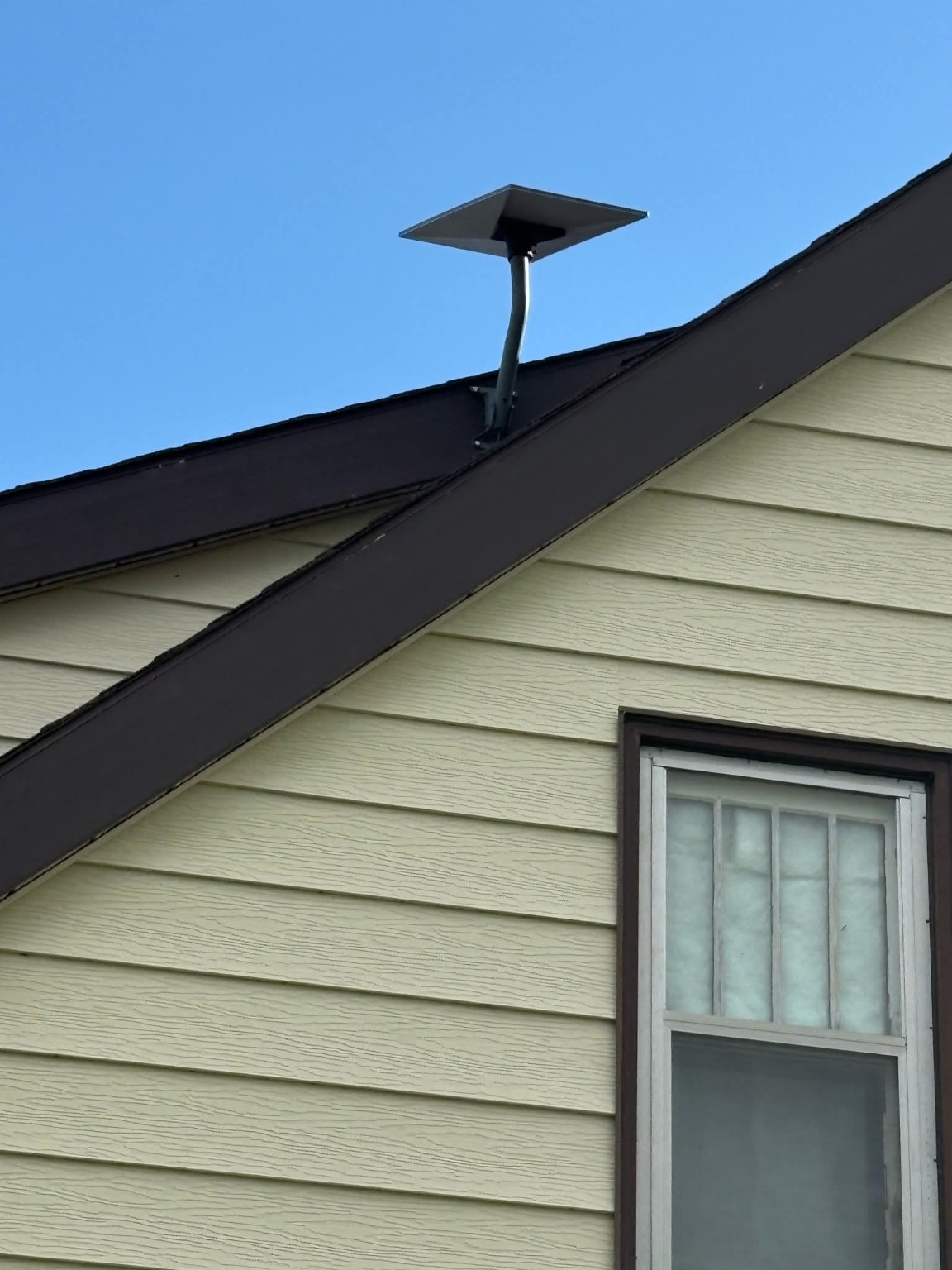
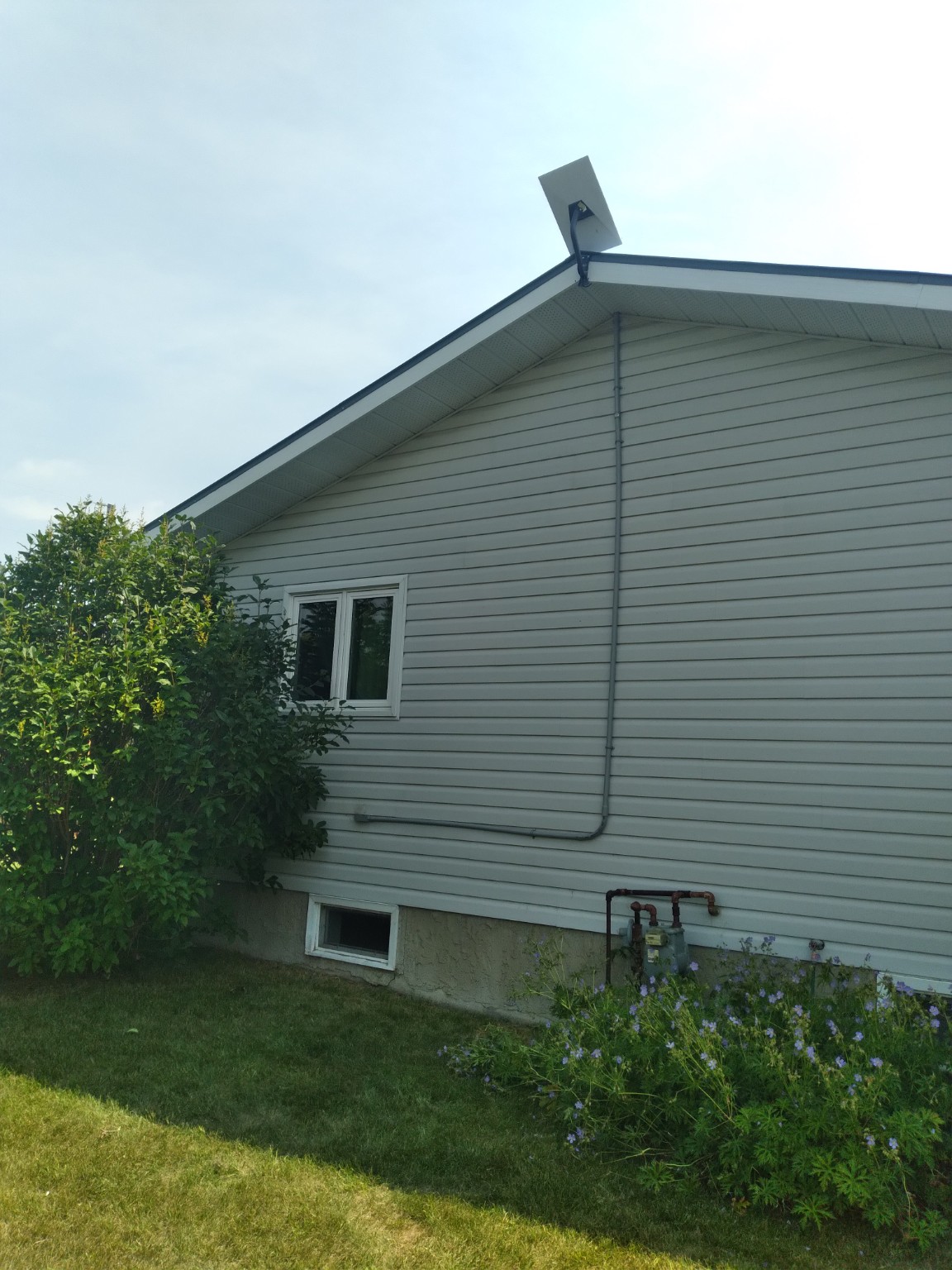
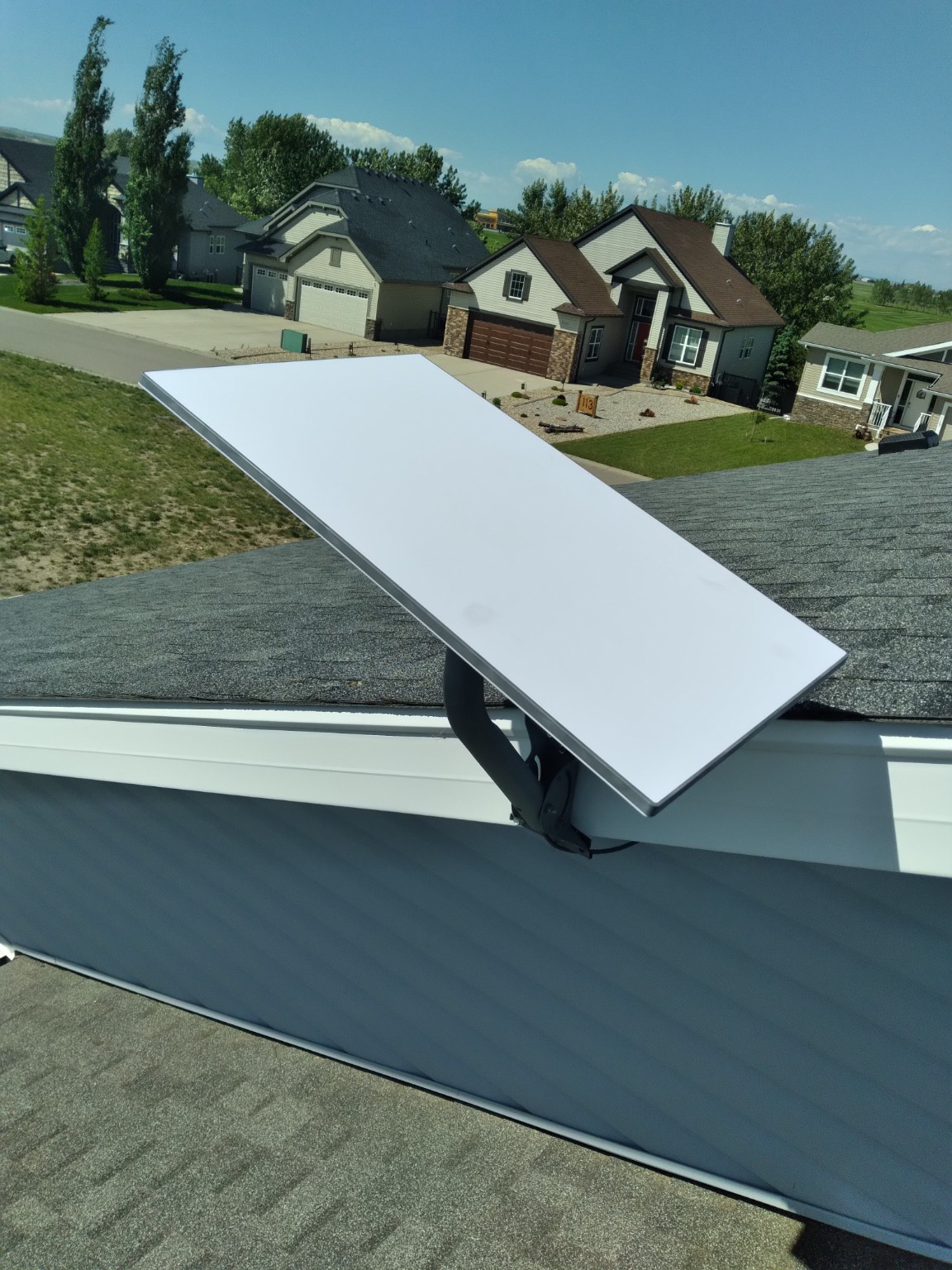
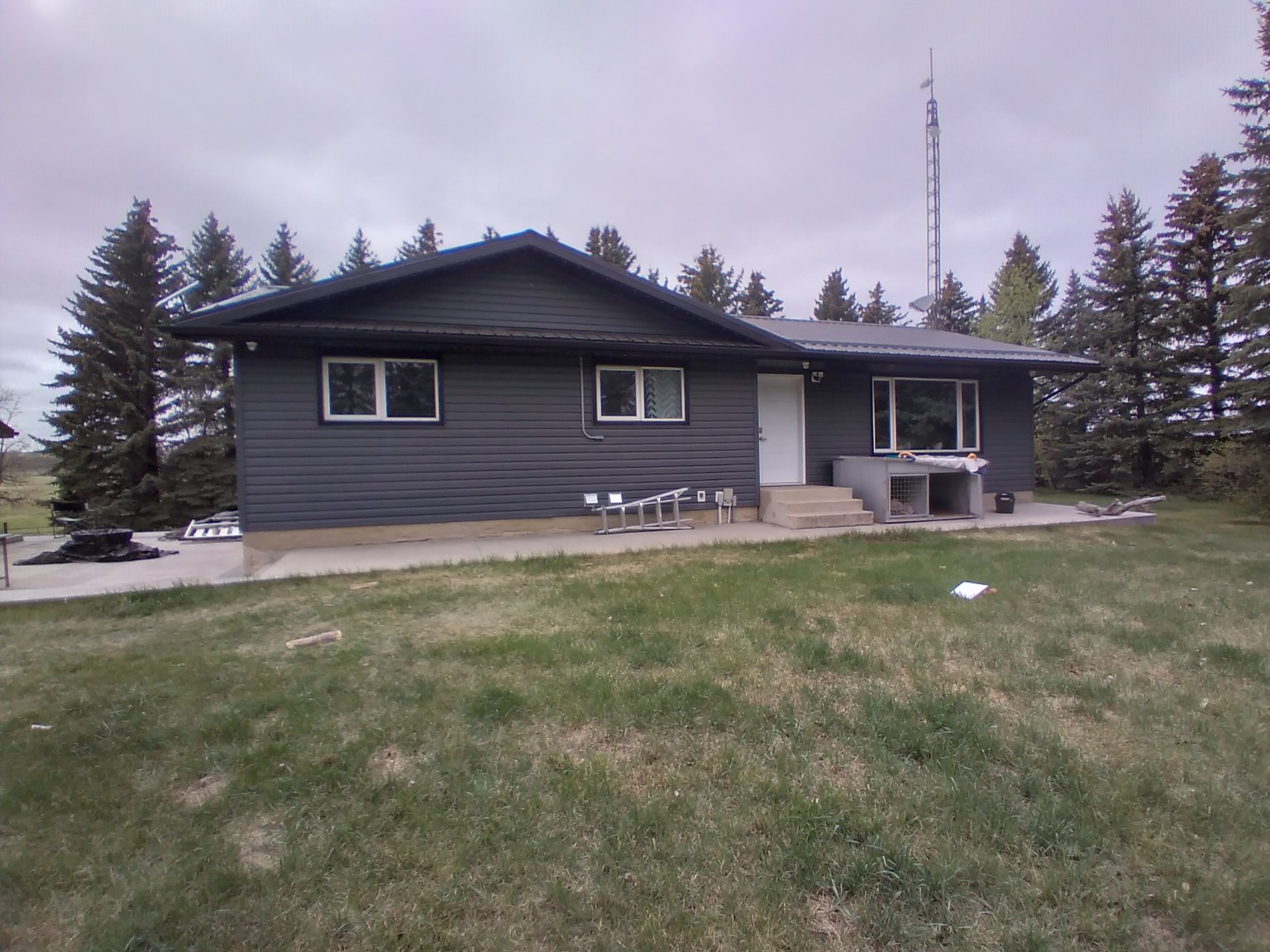
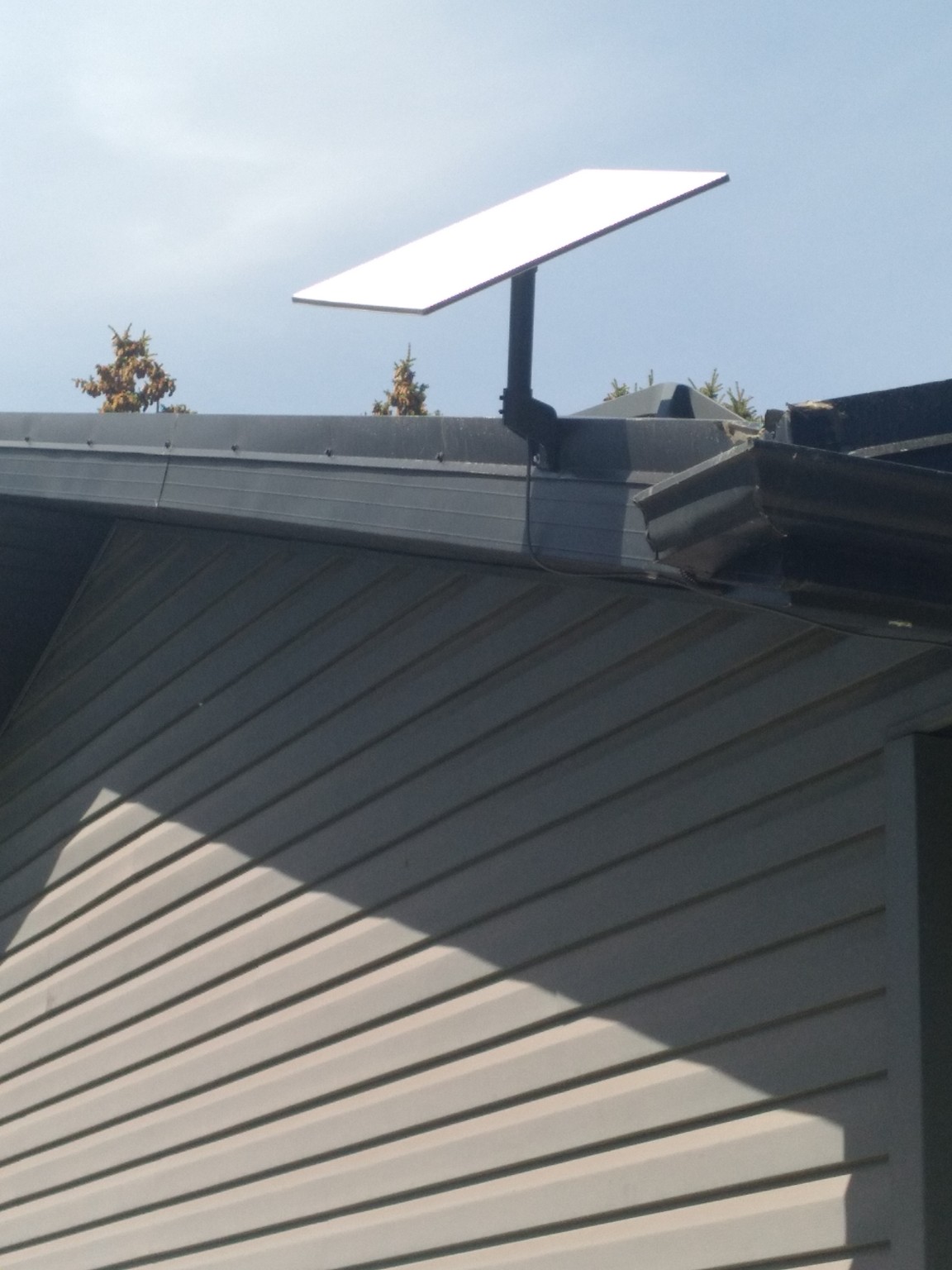
The extra time goes into the parts that make the system clean, serviceable and useful after Starlink is online.
Check sky view, mounting conditions, attic access, building entry, rack location, existing data wiring and Wi-Fi requirements.
Install the dish securely and protect exterior cable in Schedule 40 conduit with a deliberate building entry.
Use attic spaces and wall cavities where practical so the interior finish remains clean.
Terminate and organize the network at a proper rack / data location instead of leaving loose equipment.
Place and configure access points for stronger indoor roaming and useful exterior Wi-Fi coverage.
Test existing data ports, verify important customer devices and review the finished system before completion.
The internet can work perfectly on installation day and still become less reliable later if the physical cable path is left vulnerable. Exterior cable jackets, connectors and attachment points are continually exposed to sunlight, precipitation, temperature swings, wind movement, abrasion, animals, tools and accidental impact. Protecting the pathway is part of protecting performance.
Long-term UV exposure can degrade or embrittle cable jackets that are not adequately protected for the environment. Moisture, freeze/thaw cycles, repeated wind movement and flexing can also stress clips, bends and connector locations. Physical damage can create intermittent faults that look like an internet problem when the real problem is the cable path.
Schedule 40 conduit gives the exterior cable a defined mechanical pathway. It helps shield the run from direct sunlight, abrasion, impact, animals and routine property maintenance while creating a cleaner, more serviceable installation.
When outdoor copper Ethernet enters a building, a properly selected grounding / surge-protection box creates a controlled protection point. It can be bonded to the building grounding system to help divert static and induced surge energy away from sensitive network electronics.
A surge arriving on an outdoor copper run can reach switches, routers, access points, cameras and other connected equipment. The goal is to give transient energy a protection path before it travels deeper into the network.
Ethernet grounding and surge protection do not make a system immune to a direct lightning strike. Protection must be coordinated with the building grounding system and installed in accordance with the applicable electrical and communications requirements for the property.
Conduit, grounding / surge protection, the dedicated UPS, structured cabling and the rack all work together. Protecting one component while leaving another exposed simply moves the weak point somewhere else.
Roof access, ladders, exterior penetrations, electrical/network equipment and work at height all add real jobsite risk. Ready Tech treats safety planning and insurance as part of the installation—not paperwork added after the fact.
Ready Tech operates with applicable workers’ compensation / WCB coverage for field construction work. Requirements vary by province, and project documentation can be handled as required for the job.
Work at height is planned around appropriate certified fall-arrest / fall-protection practices rather than improvised roof access.
We account for ladder placement, working height, stable access, roof edges and whether powered access equipment is the safer choice. Lift rental remains separately quoted when required for work over 20 feet.
Ready Tech carries its own construction liability insurance for the installation work we perform. We do not rely on the homeowner or customer to absorb normal contractor liability risk.
Because the finished scope can include network equipment, Wi-Fi, connected devices and future cameras, Ready Tech also carries cyber liability insurance as part of its operating risk coverage.
Mounting location, weather, roof geometry, electrical exposure, access, attic conditions and equipment handling are considered before and during the install so the field plan matches the actual property.
A basic installation can stop when the dish has signal and the factory cable reaches a router. Ready Tech continues through the property with protected pathways, hidden cabling, organized network equipment, Wi-Fi coverage, testing, commissioning and future expansion planning.
Internet and network cabling are brought into the property through a planned service point so conduit, grounding / surge protection, termination and future cabling can be organized and serviced in one place.
Additional cable is installed where practical so cameras, access points, workstations and later networking can reuse the same planned infrastructure instead of reopening the property.
The Starlink and core network equipment are placed on a dedicated uninterruptible power supply so a short power outage does not immediately take the internet and Wi-Fi down. Backup runtime varies with UPS capacity, battery condition and connected load.
The UPS can be sized around the installed network and upgraded later for longer runtime or additional protected devices as the property grows.
Ready Tech Construction provides independent professional Starlink installation and network services. Starlink service availability, subscriptions and manufacturer equipment terms remain with Starlink.
Use the built-in Starlink Design Lab to send property details and photos before the visit. We can review mounting conditions, intended cable paths, network equipment locations and coverage needs before final scheduling and quoting.
Use Design Lab to plan Starlink sizing, camera placement, site details, and project scope before installation.
Your Starlink connection becomes structured property infrastructure that can support future cameras, phones, workstations, smart devices, access points and other network upgrades.

Hi there! I’m Ranger. How can I help you today?

Hey! I’m Roxie. I’m here to help you get started.
Ask about installation, software, territories, contractors, Design Lab, or the page you are viewing.